Device Description
Thank you for choosing the JedEye! Below is a brief overview of the device's main components.
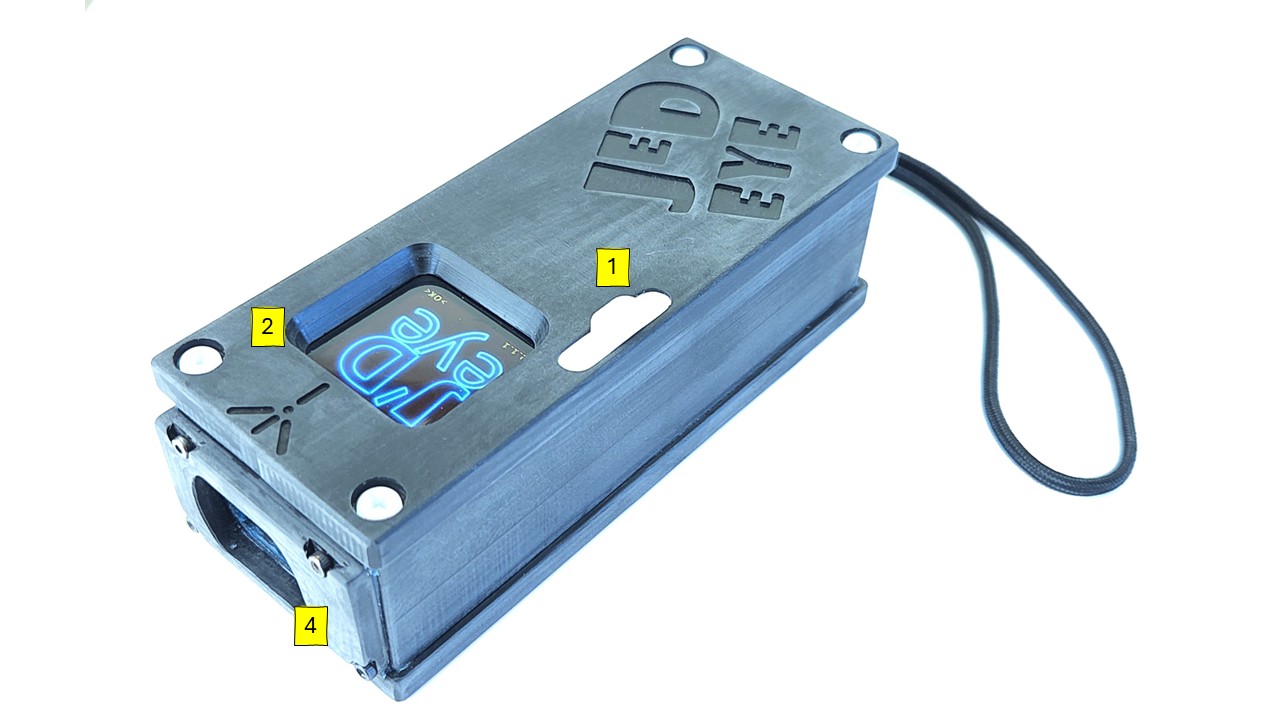
1 - Slider Control
This slider is the primary interface for interacting with the JedEye.
- Moving the slider Up corresponds to an Enter or Select command.
- Moving the slider Down corresponds to a Next or Scroll command.
2 - Display
The device features an OLED graphical color display. The text, icons, and background colors will guide you through the survey process.
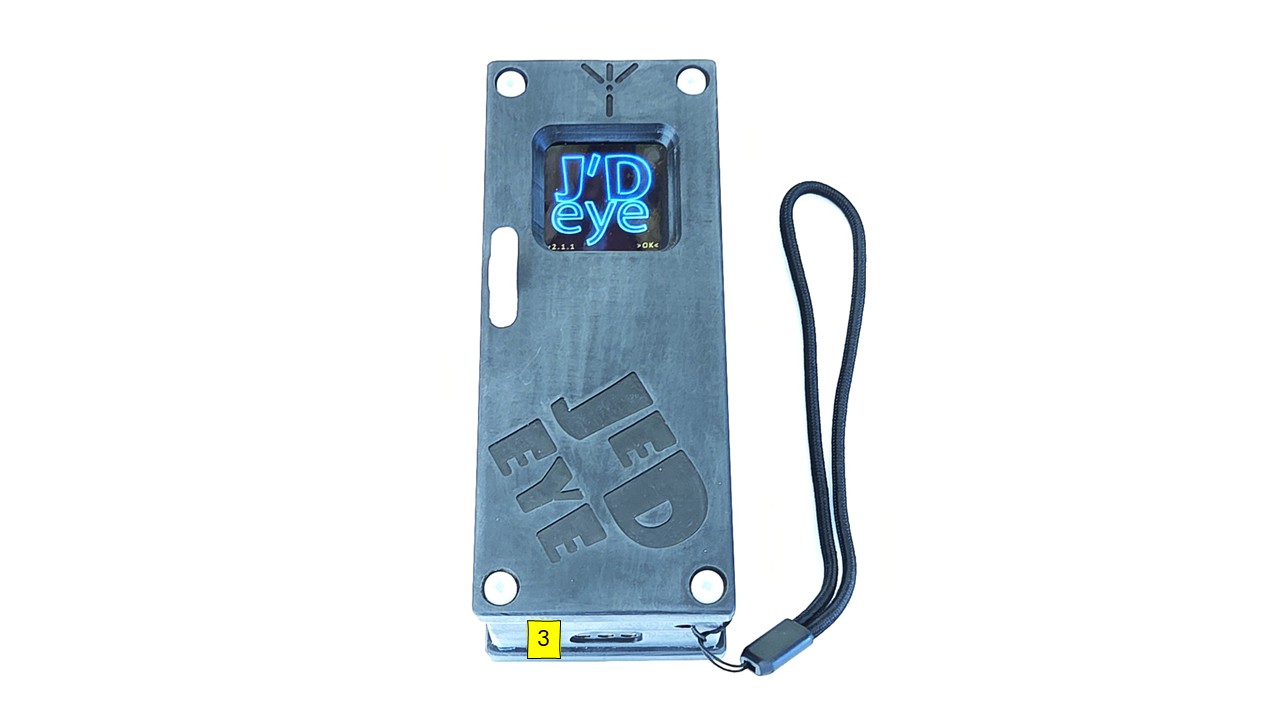
3 - USB Port
This port connects the device to a 5V USB charger. It is also used to connect the device to your computer for firmware updates.
Data download via USB is possible but not recommended. The preferred method is via Wi-Fi.
4 - Laser Window
The LIDAR emits laser light (CLASS-II) through this opening.
Class II laser safety relies on the human blink reflex to protect eyes from low-power, visible light (400-700nm) up to 1 milliwatt (mW), making unintentional exposure generally safe due to the quick eyelid closure (around 0.25s) that limits exposure time. However, they're not toys; intentional staring or resisting the blink reflex can cause temporary flash blindness, afterimages, glare, and even permanent eye damage, requiring responsible use
Maintenance: Clean the laser window only with flowing water. NEVER use chemicals, solvents, or abrasive cloths.